Game guide · SBBEN
Read before your next round of Visual Memory
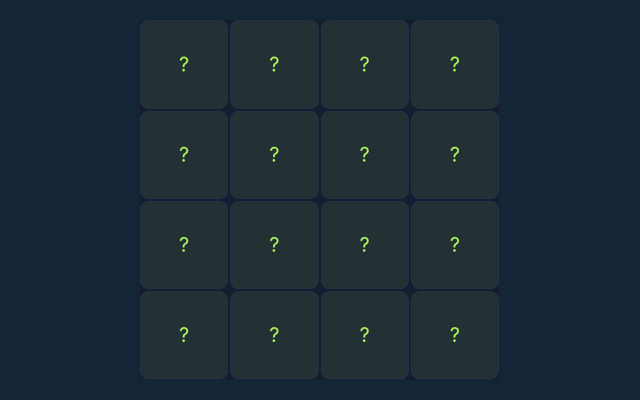
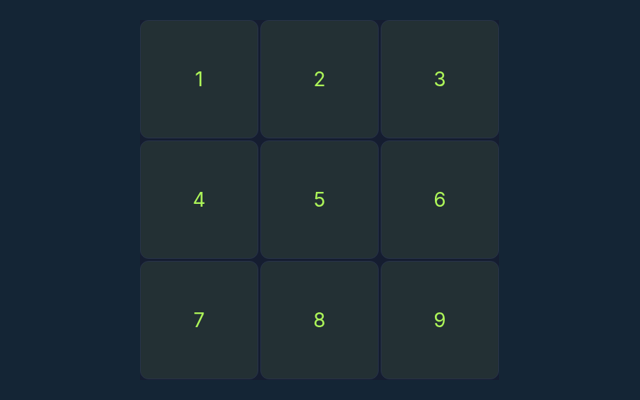
Read the aim of Visual Memory, then make your first move. Select every square that was shown. Selecting an unshown square ends the session. Use the example below to understand a decision. Check the rule that explains your first action. Look at what changes after your first action.
An idea for your next attempt
Take enough time to read a new position. If a game has a timer, learn its controls first rather than searching for them during the round. Make the next step deliberately.
The goal to keep in mind
Select every square that was shown. Selecting an unshown square ends the session. An attractive position is not enough unless the goal is met. Start with a deliberate move.
Work through the instructions
- Start a round and watch the highlighted cells.
- Wait until the board hides the pattern.
- Select the positions you remember; order does not matter.
- Complete the pattern to advance.
Making selections and moves
Use the on-screen controls with a mouse or touch. Use the control method described here for this activity. Return to the rules if the result is unexpected.
A useful example
If the four corner squares were shown, select those four corners in any order. Your next round may have a different position, so inspect it before acting. Consider the next action carefully.
A common point of confusion
Unlike Sequence Memory, this game does not require the original order. A different version of the game may use a different rule. Before your first action, say what you are trying to achieve. Then compare the result with the goal.
More answers before you play
As a new player, what is the goal of Visual Memory?
Here is the relevant explanation: Select every square that was shown. Selecting an unshown square ends the session.
While reading the Guide, how do I control Visual Memory?
For clarity: Use the on-screen controls with a mouse or touch.
For a quick reminder, what example helps explain Visual Memory?
The key detail is this: If the four corner squares were shown, select those four corners in any order.
Before I begin, what should I watch out for in Visual Memory?
Unlike Sequence Memory, this game does not require the original order.
What format does Visual Memory offer?
Here is the relevant explanation: Play using the solo mode shown on this page. Read the controls before starting a new round.
For this browser game, which play mode does Visual Memory use?
Here is the relevant explanation: The mode on this page is Solo. Same-device play uses one screen; this game library does not provide internet matchmaking.
While reading the Guide, where should I start with Visual Memory?
For clarity: Start a round and watch the highlighted cells.
For a quick reminder, do I need an account or a payment for Visual Memory?
Here is the relevant explanation: No player account or payment is needed. Game scores are recreational results, not cash prizes.
How can I find Visual Memory again?
The key detail is this: Use the Games list or save this game page in your browser bookmarks. The Guide is linked from the playing page.
On this playing page, how do I report an issue with Visual Memory?
The key detail is this: Use the contact form and include the game name, browser, device and the actions that led to the issue. Do not send passwords or payment details.